REGISTER NOW AND TRANSFORM YOUR CAREER WITH AZURE DEVOPS

Azure Administrator with Azure DevOps

Master Cloud Infrastructure & Modern DevOps Practices

ATTEND FREE DEMO CLASS

00

Days

00

Hours

00

Mins

00

Secs

November 1st, 2025

8:30 AM - 10:00 AM (IST)

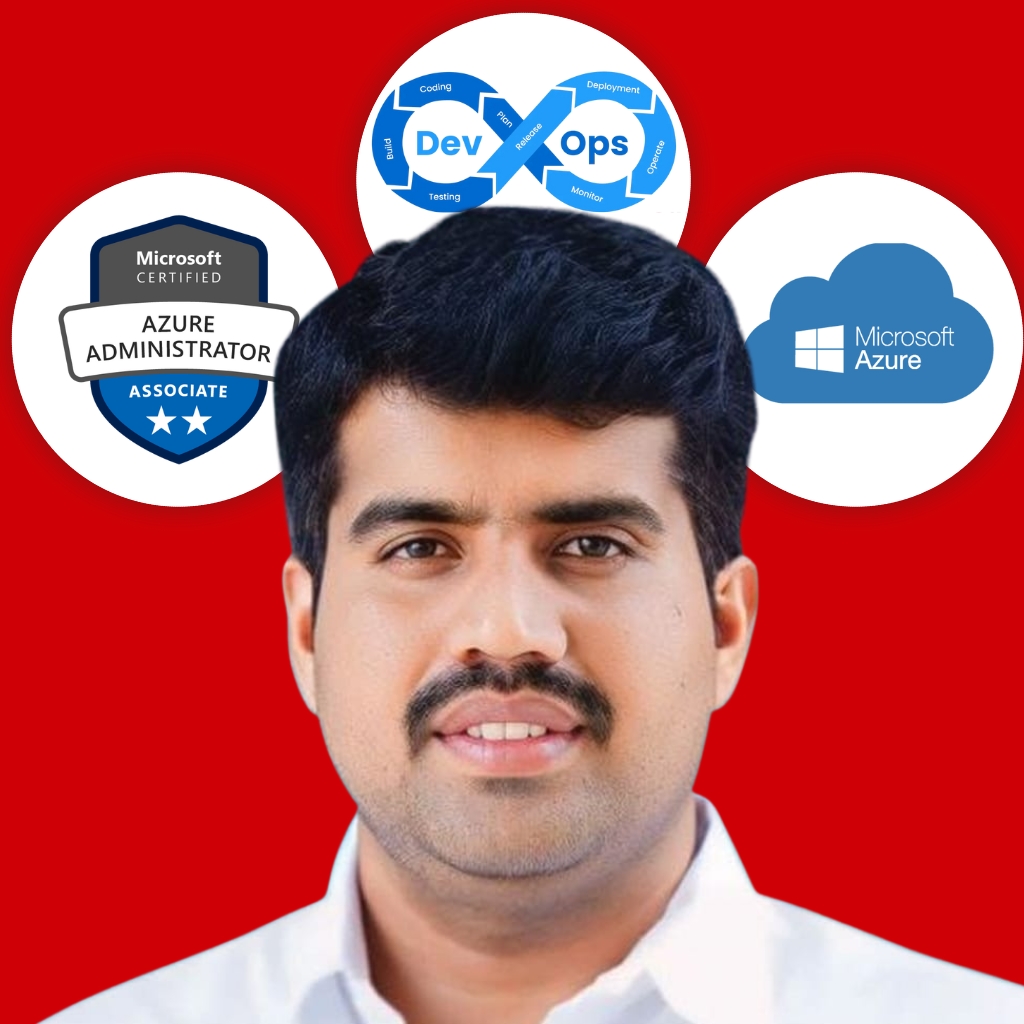
About The Trainer

Hi, I’m Balaji Reddy Lachhannagari, a DevOps and Cloud Trainer with a passion for technology and helping professionals unlock the full potential of their careers. With over 15+ years of experience in the tech industry, I’ve worked with a variety of organizations ranging from startups to large enterprises, implementing DevOps and Cloud solutions to improve efficiency, scalability, and collaboration. I specialize in cloud platforms like AWS, Azure, and Google Cloud, a as DevOps tools such as Docker, Kubernetes, Jenkins, Ansible, and Terraform as well. Throughout my career, I have had the privilege of mentoring and guiding more than 10000+ professionals and students, helping them excel in their IT careers.
Features From Rushi Technologies

Features We Offer

100+ Hours Content

1 Year Recording Access

SoftCopy Material

Individual Attention

Weekly Assignments

Real-Time Project Use Cases

Debugging & Troubleshooting Support

Topic Wise Interview Questions

Training From Industry Expert

Complete Syllabus

Explore the full curriculum for Azure Admin and Azure DevOps — exactly as covered in the course.

Introduction of Cloud Computing
  • What is Cloud Computing?
  • Why Cloud?
  • Types of Cloud Deployment Models
  • Types of Cloud Services
  • IaaS vs. SaaS vs. PaaS
  • Future of Cloud Technologies
  • Advantages and Disadvantages of Cloud
  • Popular Cloud Providers
  • High Availability, Fault Tolerance, Scalability & Elasticity and Disaster Recovery in Cloud
Architectural Components of Azure
  • Create a Free Trial Account
  • Describe Azure regions, region pairs & sovereign regions
  • Describe availability zones
  • Describe Azure datacenters
  • Describe Azure resources & resource groups
  • Describe subscriptions
  • Describe management groups
  • Describe the hierarchy of resource groups, subscriptions & management groups
Azure Management Tools — Overview
  • Azure CLI
  • Azure PowerShell
  • Azure Portal & Cloud Shell
Azure Compute
  • Azure Virtual Machines, VM Scale Sets, App Service & Functions
  • VM introduction, series & sizes
  • VM storage — unmanaged vs managed; performance
  • High availability & addressing single-point-of-failure
  • Availability Sets — overview & demo
  • Scale Sets — overview & demo
  • Dedicated Hosts — overview
  • Enable Disk Encryption (demo)
  • VM Extensions configuration — DSC & Custom Scripts
Azure Storage
  • Azure Storage Account types: Blobs, Files, Tables, Queues
  • Data redundancy & replication; Storage Explorer tool
  • Create a Storage Account
  • AZCopy — overview & demo
  • Azure File Storage
  • Azure file shares & Azure File Sync (demo)
  • Service-side encryption (data at rest)
  • Security: account access, audit, threat protection
Azure Networking
  • Virtual Network fundamentals
  • Private/Public IPs, routes, NICs
  • Subnets & NSGs
  • VNet Peering
  • Service Endpoints
  • Private Link & Private Endpoints
  • Routing & connectivity — default & custom routes
  • Azure Firewall
  • Azure DNS (Public & Private)
  • Network Watcher
  • Load Balancer
  • Application Gateway
  • Traffic Manager
  • Azure Front Door
  • Web Application Firewall — App Gateway, Front Door & CDN
Azure App Service
  • Create an App Service plan
  • Configure scaling
  • Create & secure an App Service
  • Custom domains
  • Backups
  • Networking settings
  • Deployment settings
Azure Databases
  • Azure Databases overview
  • Create SQL Database
  • SQL DB authentication & auditing
  • Encrypt data at rest & in transit
  • Azure Cosmos DB
  • Data redundancy & backups
Containers & AKS
  • Containers vs VMs — portability & scalability
  • Azure container options: ACI, AKS, App Service for Containers
  • Create & manage ACR; integrate with ACI/AKS
  • Deploy Azure Container Instances (ACI)
  • AKS fundamentals — clusters, pods, RBAC, YAML deployments
Serverless & Integration
  • Azure Functions
  • Logic Apps
  • Event Grid
  • Azure Key Vault
Monitoring & Backup
  • Azure Monitor
  • Metrics
  • Log Analytics — workspaces, queries, dashboards
  • Alerts & Action Groups
  • Application Insights
Identity, Access & Security
  • Microsoft Entra ID (Azure AD): SSO, MFA, Passwordless, Zero Trust
  • Defender for Cloud (overview)
  • RBAC — built-in & custom; grant access at Subscription/RG/Resource
Manage Subscriptions & Governance
  • Configure Azure Policies
  • Configure Resource Locks
  • Apply Tags
  • Create & manage Resource Groups
  • Move resources
  • Remove Resource Groups
  • Manage Subscriptions
  • Configure Cost Management
  • Configure Management Groups
Azure Resource Manager (ARM)
  • Terminology, benefits & scope
  • What are ARM Templates — template file & advantages
  • ARM Templates — high-level overview
  • Working with ARM Templates
Introduction & Foundations
  • What is DevOps? Principles, culture, and benefits
  • Overview of Azure DevOps (Services)
  • Azure DevOps vs other tooling
  • Setting up Azure DevOps organization / subscription
Source Control & Versioning (Azure Repos / Git)
  • Git concepts, branching strategies, merges
  • Azure Repos features & Git in Azure DevOps
  • Create repositories; branches; pull requests & code reviews
  • Handle conflicts & merges
  • Integrate external repos (e.g., GitHub)
Planning & Work Tracking (Azure Boards)
  • Agile / Scrum / Kanban fundamentals
  • Work items, backlogs, boards, sprints
  • Link work items to commits & PRs
  • Dashboards, queries, reports
Continuous Integration (CI)
  • CI concepts & best practices
  • Azure Pipelines: build pipelines (Classic & YAML)
  • Agents — hosted, self-hosted, agent pools
  • Tasks, steps, jobs, stages
  • Parallelism, dependencies, templates
  • Integrating tests, code analysis & static analysis
Continuous Delivery / Deployment (CD)
  • CD concepts
  • Release pipelines — Classic vs YAML
  • Environments, stages, approvals
  • Deployment groups; agent-based & agentless deployment
  • Secrets management (Key Vault, secure variables)
Package Management & Artifacts
  • Azure Artifacts for npm / Maven
  • Versioning, retention, upstream sources
  • Artifact lifecycle management
Containers, Kubernetes & Microservices
  • Container basics (Docker)
  • Build container images in pipeline
  • Push to registries (ACR)
  • Deploy to Kubernetes / AKS
Security, Compliance & Governance
  • DevSecOps practices
  • Security scanning & vulnerability assessment
  • Policy-as-Code & compliance checks
  • Role-based access control & least privilege
Integration & Extensions
  • Integrations with Jenkins, GitHub, Slack, Jira
  • Custom tasks & Marketplace extensions

Your Learning Journey

From orientation to offer-ready—track your progress step by step.

Orientation Session

Meet your trainer, align on goals, and get the complete roadmap. Start with a FREE demo.
Hands-on Modules Begin

Do live labs on Azure, CI/CD, Docker & Kubernetes with real-world scenarios.

Live Doubts & Weekly Assignments

Clear blockers in live sessions. Submit weekly tasks and get detailed feedback.

Project Deployment & GitHub Portfolio

Ship full projects (IaC, CI/CD, monitoring) and publish to GitHub as proof of skill.

Mock Interviews + Career Prep

Topic-wise interview Qs, resume polishing & HR/technical mock rounds.

Top Companies Our Students Got Placed

  • TCS
  • Wipro
  • Infosys

Zero Risk — 100% Results Guarantee

Start with a FREE demo. Then get 5 full days of classes before you decide to join.

5 DAYS

FREE SESSIONS

Attend for 5 days after the demo. Join the full course only if you have clarity and confidence.

How it works

  • Join the FREE demo class
  • Get 5 days of free sessions — full access, no payment.
  • Experience the teaching style, real-time practice & curriculum depth.
  • Enroll only if you’re fully satisfied. No pressure, no hard feelings.

Why can we offer this?

We’re confident that once you experience our hands-on approach and content quality, you’ll want to continue.

Secure Your Seat in Free Demo Class

Demo + 5-day access — no payment required.